¶ Update a gateway
The constraints associated to the gateway update command are as follows:
▸ The udpate command is only accessible to users with SERVICE_ADMINISTRATOR and CHANNEL_ ADMINISTRATOR roles
▸ It is not possible to send a new udpate command if another one of the same type (pre-defined software update, Custom Magic Link or Custom JetPorch script) is already pending for the same gateway
▸ It is possible to cancel an update command only if it has not yet been sent to the gateway
To update a gateway, you need to go to the Gateway overview page and select Software update from the CONFIGURATION menu.
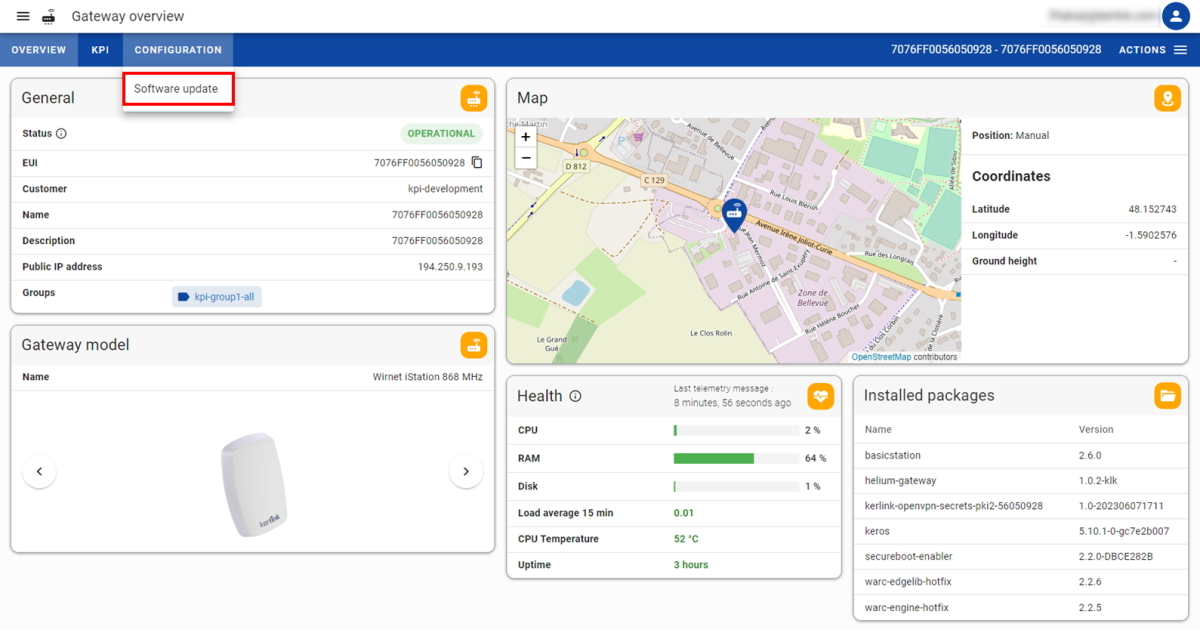
You have the option to select:
- A pre-defined software update (previously declared by Kerlink) to apply a public software or configuration
- A
Custom Magic Linkto apply a specific software or configuration - A
Custom JetPorchscript to apply a specific software or configuration
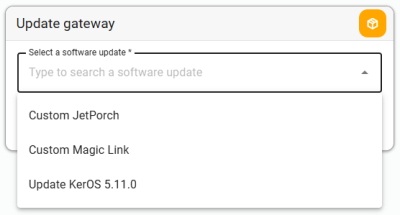
¶ Custom Magic Link
This option will work only for gateways declared in the Magic Link.
For a Custom Magic Link, you will be asked to enter the Magic Link value (i.e. the hash) provided by Kerlink support team.
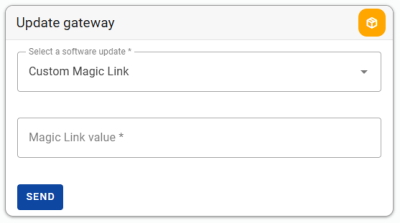
¶ Custom JetPorch script
Applying a JetPorch script may affect the connectivity and functionality of the gateway.
Please proceed with caution and ensure that you fully identified the implications before sending it.If you have any questions about your JetProch script, please don't hesitate to contact Kerlink support team.
This option is only compatible with gateways running on KerOS 6.
Refer to KerOS 6 Wiki for Getting started with Ansible playbooks and JetPorch.
For a Custom JetPorch script, you will be asked to enter the JetPorch yaml value (i.e. the script in yaml format).
After clicking on SEND button, you will be asked to confirm in a popup.
Once triggered, the udpate command will be sent to the gateway when the next telemetry message is received (message expected every hour).
When an update command is pending (waiting to be sent to the gateway), an orange dot is displayed in the CONFIGURATION menu.

You can consult the software update history of your gateway in the Last updates table.
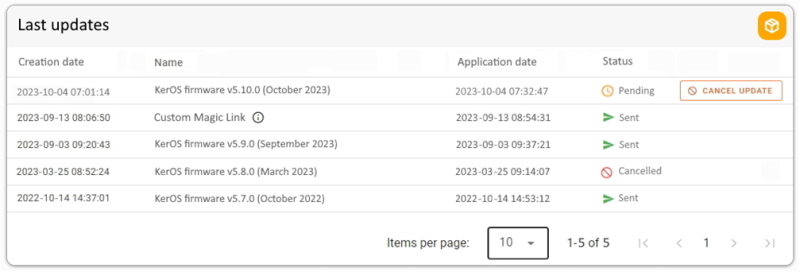
Depending on its progress, the update command goes through different possible statuses:
- Created: the update command has been created
- Pending: the update command is ready to be sent to the gateway
- Sent: the update command has been sent to the gateway
- Cancel request: the cancellation of the update command has been requested
- Cancelled: the update command has been cancelled
To cancel the update command, you need to click on the CANCEL UPDATE button present in the table.